The Vibe Coding Security Checklist for SaaS: 15 Things to Fix Before Launch

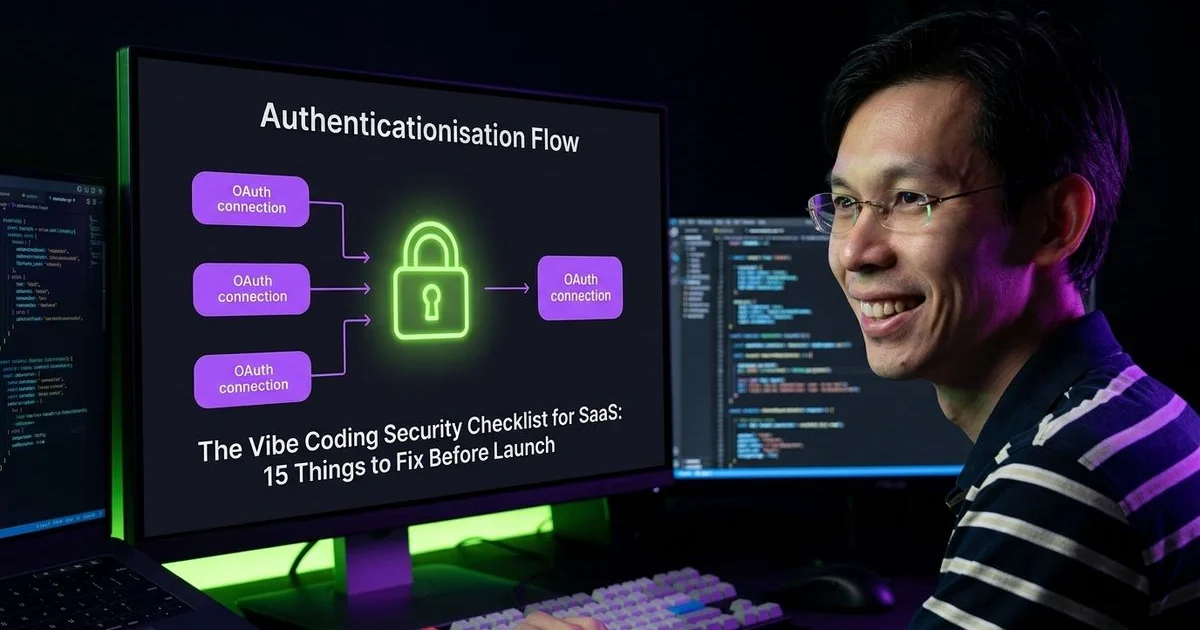
You know how the latest generative AI tools can spin up a functional SaaS prototype over a weekend.
The speed is exhilarating, but developers often rush to deploy these auto-generated applications without checking the underlying code. Operating as a product review and comparison expert collective, we have audited dozens of these rapid-build projects.
We see this exact scenario constantly during security reviews. These models prioritise writing functional code over secure architecture.
Every single app we checked had critical vulnerabilities that would expose sensitive user data within days of going live. Our guide provides a practical, step-by-step audit plan to secure your:
- Authentication flows
- Database rules
- Environment variables
The Vibe Coding Security Checklist for SaaS: 15 Things to Fix Before Launch is exactly what you need to read before sharing that URL with the public.

The Vibe Coding Security Checklist for SaaS: 15 Things to Fix Before Launch: API Keys (Items 1-3)
1. Check for Exposed API Keys in Your Repository
We start every audit by searching the codebase for leaked credentials. GitGuardian’s 2026 State of Secrets Sprawl report found a shocking 28.65 million new hardcoded secrets leaked in 2025 alone. This represents a 34% increase from the previous year. AI tools frequently place secrets directly in source files instead of environment variables.
Commits co-authored by tools like Claude Code actually leaked secrets at 3.2%, which is twice the normal human baseline. Our review process always includes running tools like GitGuardian or truffleHog to scan repository history. If you find any secrets committed to git, you must rotate them immediately.
Even if you delete the file, the secret remains in your git history forever.
2. Verify Environment Variables Are Not Exposed to the Client
Our next step is checking how the application handles environment variables. In Next.js, only variables prefixed with NEXT_PUBLIC_ are sent to the browser. Nuxt exposes only variables prefixed with NUXT_PUBLIC_.
“Your Stripe secret key, database URL, and API secrets must never have a public prefix.”
We have seen AI coding tools like Cursor repeatedly generate code that puts database connection strings in client-accessible variables. A common critical mistake is exposing the Supabase service_role key to the client.
This specific key completely bypasses all database security rules and grants full read and write access to a malicious user. Check every single environment variable in your project configuration.
3. Secure Your Environment Variable Files
We always verify that .env and .env.local files are securely listed in the .gitignore file. Your deployment platform, such as Vercel, Cloudflare, or Railway, should manage these securely.
Production environment variables must be set in the platform’s secrets manager. Committing these files is a massive security risk that AI tools often overlook during setup.
Authentication and Authorisation (Items 4-7)
4. Verify All API Routes Check Authentication
Our team frequently spots API routes that skip authentication checks entirely. The OWASP Top 10 2025 report still ranks Broken Access Control as its number one vulnerability. This critical flaw affects 3.73% of all tested applications.
AI generators often assume simple endpoints, like profile updates, do not need strict verification. You cannot rely on page-level middleware alone for protection. A 2025 Next.js vulnerability, CVE-2025-29927, allowed attackers to bypass middleware completely by manipulating header requests.
Every route accessing user data must verify the user is authenticated before processing the request. If you are using Clerk or Supabase Auth, make sure every protected API route calls the verification function first.
Our developers recommend implementing these checks directly at the data access layer. This approach guarantees security even if the routing logic changes.
5. Implement Proper Authorisation (Not Just Authentication)
We must highlight the difference between authentication and authorisation.
| Concept | Verifies | Common Failure |
|---|---|---|
| Authentication | Who the user is | Weak passwords, exposed keys |
| Authorisation | What the user can access | BOLA, modifying resource IDs |
Broken Object Level Authorization (BOLA) remains a massive risk that falls under the OWASP Broken Access Control category. A common vulnerability occurs when User A accesses User B’s data simply by changing an ID in the URL.
If your app has a URL like /api/projects/123, verify the authenticated user actually owns project 123 before returning data.
6. Rate Limit Your Authentication Endpoints
Our security checks always look for rate limiting on login and password reset endpoints. Without it, attackers can easily brute-force passwords or flood your email system. Most AI tools skip adding rate limiting by default.
We recommend using a tool like Upstash Redis combined with Vercel Edge Middleware. This combination intercepts malicious traffic at the edge before it ever reaches your backend servers or consumes your API credits. Here is a reasonable baseline for rate limiting:
- Login attempts: 5 per minute per IP
- Password resets: 3 per hour per IP
- API requests: 100 per minute per IP
7. Secure Your Session Management
We check session management configurations to ensure tokens do not live forever. AI tools often generate JSON Web Tokens (JWTs) that never expire or cookies lacking proper security attributes.
If you are using JWTs, verify they expire within a reasonable timeframe, such as one hour for access tokens. Session cookies must have HttpOnly, Secure, and SameSite=Strict attributes enabled.
Data Security (Items 8-10)
8. Enable Row Level Security (If Using Supabase)
Our audits show that Row Level Security (RLS) is your most critical defence layer if you are using Supabase. By default, Supabase creates tables with RLS disabled. In early 2025, over 170 applications built with AI tools exposed their entire databases specifically because developers forgot to enable this feature.
Without RLS policies, any authenticated user can read and write any row in any table.
We strongly advise checking the latest regulatory penalties in your region. The recent 2024 amendment to Malaysia’s Personal Data Protection Act (PDPA), effective June 2025, increased maximum fines for breaching data principles to RM1 million. You cannot afford to leave your database wide open to unauthorised access.
AI tools frequently create Supabase tables without enabling RLS, or they write overly permissive policies. You must audit every table to enable RLS and write policies for:
- SELECT operations
- INSERT operations
- UPDATE operations
- DELETE operations
For better query performance, wrap your user ID check in a select statement, like (select auth.uid()), to cache the result instead of calling the function on every single row.
9. Validate and Sanitise All User Input
We require server-side validation for every form field, URL parameter, and API request body. AI-generated code often validates only on the client side, which malicious users can bypass entirely. Attackers can simply use browser developer tools or send a direct POST request to your endpoints to ignore client rules.
Use a validation library like Zod to define strict schemas for every API endpoint input. Reject any requests that do not perfectly match the schema before processing them. Your schema should enforce:
- Expected data types
- Minimum and maximum string lengths
- Required versus optional fields
10. Protect Against SQL Injection and NoSQL Injection
Our developers always use parameterised queries when writing raw database queries. AI tools frequently generate custom SQL that concatenates user input directly into query strings, creating massive injection risks.
For Supabase, use the built-in query builder rather than raw SQL whenever possible. Direct database access always requires prepared statements to block malicious code execution.
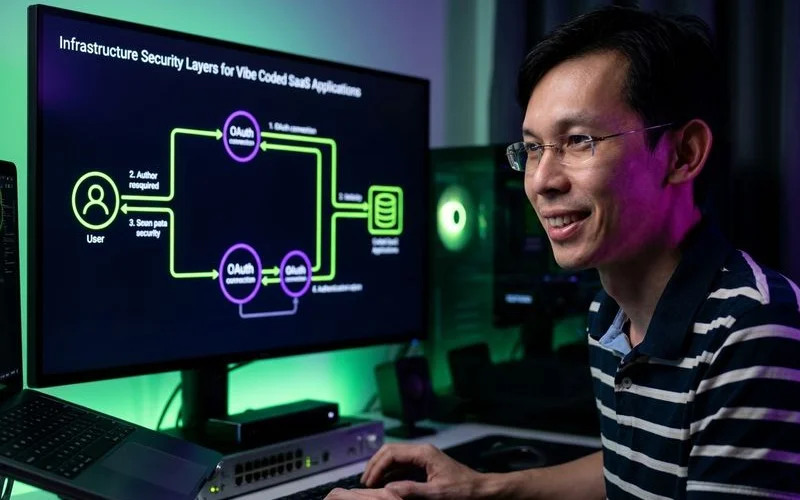
Infrastructure Security (Items 11-13)
11. Configure CORS Properly
We frequently find Cross-Origin Resource Sharing (CORS) set to allow all origins (*) in AI-generated code. This configuration allows any random website to make direct requests to your API.
Restrict CORS to your actual frontend domain to block unauthorised access. If your app is at app.example.com, only allow that specific origin to communicate with your backend.
12. Set Security Headers
Our deployment checklists include adding strict HTTP security headers to all responses. Most AI tools ignore these headers entirely, leaving your app vulnerable to common web attacks. You need to configure these specific headers in your middleware:
- Content-Security-Policy: Controls which scripts can execute to prevent XSS attacks.
- X-Frame-Options: DENY: Prevents clickjacking by stopping your site from loading in iframes.
- X-Content-Type-Options: nosniff: Stops browsers from guessing the MIME type.
- Strict-Transport-Security: Forces all connections to use HTTPS.
13. Audit Your Dependencies
We recommend running npm audit or pnpm audit before every major deployment. AI tools notoriously install random packages without checking for known vulnerabilities or maintaining clean codebases. Update any packages showing critical or high-severity vulnerabilities immediately.
Review your package.json file for unnecessary dependencies that AI tools often leave behind.
Our infrastructure team also prioritises secure hosting environments. For businesses serving Southeast Asia, hosting your sanitised application in the new AWS Asia Pacific (Malaysia) Region ensures strict local data residency compliance. This ap-southeast-5 region officially launched in August 2024, backed by a RM29.2 billion investment to support secure local infrastructure.
Operational Security (Items 14-15)
14. Handle Errors Without Leaking Information
Our team routinely spots AI-generated error handlers returning full stack traces and database details to the user. These verbose error messages give attackers a perfect blueprint of your system architecture.
“Never expose database table names, query details, or file paths in your API responses.”
In production, you must return generic error messages to users, like “Something went wrong,” while logging the detailed errors on the server.
15. Implement Logging and Monitoring
We emphasise that you cannot fix security issues you do not know exist. Set up basic logging for authentication events, API errors, and unusual patterns like sudden traffic spikes from a single IP.
The amended Malaysian PDPA now requires mandatory data breach notifications to the Commissioner within 72 hours of discovery. Failing to report a breach carries a penalty of up to RM250,000.
You need tools like Sentry or Datadog to detect these intrusions fast enough to comply. A sudden spike in failed login attempts or 403 errors is an early warning sign of an attack.
Our monitoring systems alert us immediately when these thresholds are breached. Proactive detection is your best defence against silent data extraction.
The Quick Security Audit Process
Our team uses a streamlined process to audit a vibe-coded SaaS in under two hours. Two hours of security work can prevent a devastating data breach that kills your business before it even starts.
Do this complete check before inviting your first real user:
- Search the codebase for exposed secrets (15 minutes).
- Check every API route for authentication and authorisation (30 minutes).
- Test cross-user access by logging in as User A and trying to access User B’s resources (20 minutes).
- Review environment variables to ensure nothing sensitive is client-exposed (10 minutes).
- Run dependency and header checks by executing
npm auditand verifying CORS configurations (15 minutes). - Test input validation by submitting unexpected data to forms and API endpoints (20 minutes).
Check our reviews of Supabase and Clerk for tools that handle much of this security work for you, or explore the best backend stacks for SaaS for security-focused infrastructure choices. Completing The Vibe Coding Security Checklist for SaaS: 15 Things to Fix Before Launch ensures your application is truly ready for the public.

Adam Yong
Founder & Lead Builder
SaaS builder running 3 live products. Reviews tools by building real SaaS features with them.