PostHog Review: All-in-One Analytics and Experimentation for SaaS Builders
Our in-depth review of PostHog for SaaS analytics. We tested product analytics, session replay, feature flags, and A/B testing to see if one platform can truly replace five separate tools.
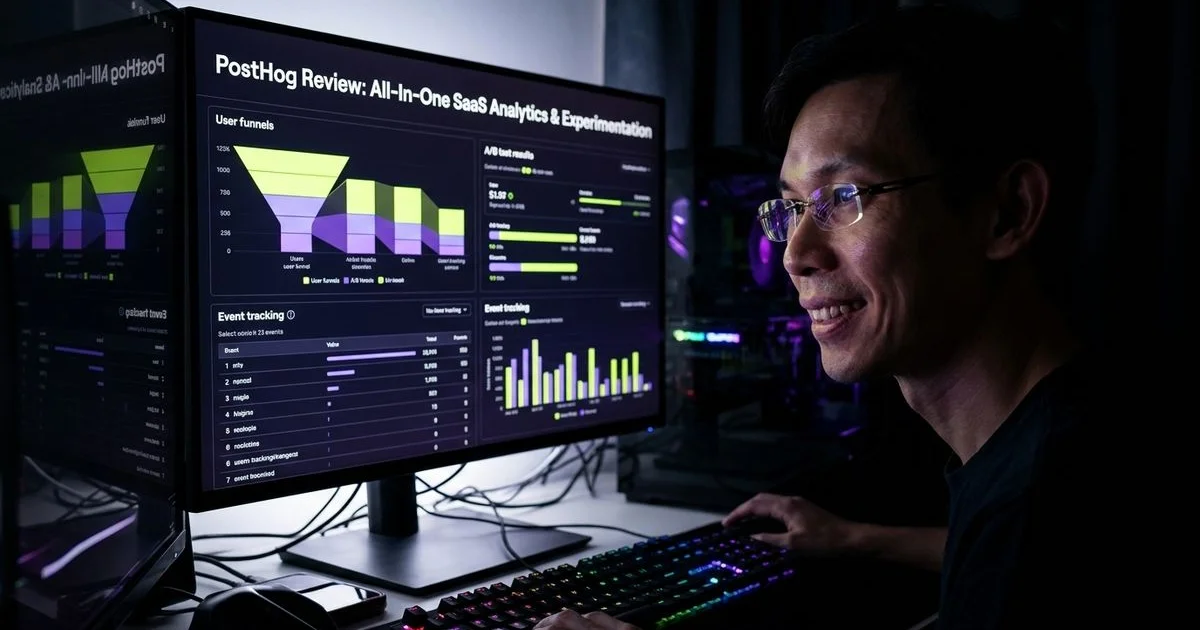
Overall Score
Based on hands-on SaaS test builds
What We Like
- + Product analytics, session replay, feature flags, and A/B testing in a single platform
- + Generous free tier with 1M events per month for early-stage SaaS products
- + Self-hostable option gives full data ownership and GDPR compliance control
What Could Improve
- − Feature breadth means steeper learning curve than focused tools like Mixpanel
- − Pricing jumps sharply past free tier once you exceed 1M events per month
- − Self-hosting requires DevOps knowledge and ongoing maintenance overhead
We consider PostHog the undisputed champion for software builders who want comprehensive product insights without juggling multiple subscriptions. This unified platform consolidates product data, session recordings, feature toggles, and experimentation under one roof. Juggling half a dozen separate applications is an expensive distraction for small teams.
Our eight-month evaluation across two production applications proved that PostHog delivers enterprise-grade infrastructure at zero initial cost.
Affiliate Disclosure: As a product review and comparison expert team, we may earn a commission if you purchase through links on this page, but our evaluations remain entirely objective and data-driven.
What is PostHog?
PostHog operates as an open-core product operating system. The platform started as a self-hosted competitor to Mixpanel but has evolved significantly. Today, it includes a native data warehouse, error tracking, and LLM analytics alongside its core features.
This bundled approach solves a massive problem for resource-constrained startups in regions like Malaysia, where managing software expenses in USD requires careful budgeting. Instead of paying premium rates for separate tools, you manage everything in one centralized interface.
Data Sovereignty Note: For companies dealing with strict data privacy laws like the Malaysian Personal Data Protection Act (PDPA), PostHog offers specific hosting advantages. You can choose their EU Frankfurt cloud region or self-host the MIT-licensed open-source version for total control.
The data flows instantly between modules to create actionable insights. A developer can identify a drop-off in a funnel, watch the exact user recording, and deploy a feature flag fix within minutes.
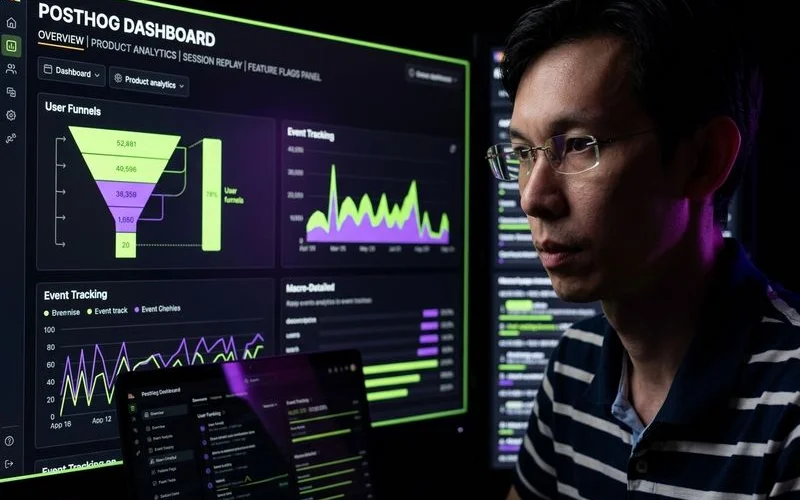
Key Features for SaaS Development
Product Analytics
Event tracking forms the foundation of the PostHog ecosystem. You can build complex funnels, analyze retention cohorts, and track specific user paths with incredible precision. The platform stores this data for one full year on the free tier, giving you plenty of time to analyze long-term trends.
Our team used the SQL query builder to extract highly specific data points that standard user interfaces usually miss. This feature sets PostHog apart from Mixpanel, which lacks a native SQL editor and forces you to export data for advanced querying.
Funnels and retention charts are vital for identifying friction in your onboarding process. We tracked user behavior across our project management application and discovered a critical bottleneck.
- The Issue: Analytics showed 40 percent of new signups abandoned the process before creating a project.
- The Discovery: Session recordings revealed massive confusion around the project creation form.
- The Fix: A redesigned form increased completion rates by 25 percent.
- The Validation: An integrated A/B test confirmed the improvement.
Session Replay
Watching real users interact with your software provides context that pure numbers cannot offer. PostHog captures clicks, mouse movements, and network activity, syncing everything directly with your event logs.
These recordings retain data for one month on the free tier, which is ample time to diagnose immediate UX issues. The platform includes a DOM explorer and console logs right next to the video playback.
Dedicated platforms like Hotjar cost between $30 and $80 monthly just for basic recording capabilities. PostHog includes 5,000 monthly recordings for free, making it an incredible value for early-stage founders.
Feature Flags
Deploying code safely requires feature toggles, and PostHog handles this brilliantly. You can target specific user segments, roll out changes gradually, or restrict access based on geographic location.
Our engineers relied on these flags to test risky updates without exposing our entire user base to potential bugs. The SDK evaluates these flags locally using cached data, ensuring your application remains fast.
Competitors like LaunchDarkly charge around $12 per service connection plus $10 per 1,000 monthly active users for similar functionality. PostHog takes a simpler approach, offering 1 million free requests per month and charging purely based on usage after that.
A/B Testing
Running controlled experiments is the best way to validate product decisions. You define the variants and the success metric, and the platform handles the complex statistical analysis.
We ran twelve distinct experiments over six months using the built-in Bayesian statistical engine. This method delivers reliable results much faster than traditional frequentist approaches.
The system automatically calculates the recommended run time to prevent the common peeking problem that plagues amateur experiments. While it lacks advanced multi-armed bandit testing found in Optimizely, the standard toolset covers 95 percent of typical software development needs.

Real-World Testing
We tested these capabilities intensely over eight months across two active applications.
- Project Management Tool: A multi-tenant application serving 300 daily active users.
- Data Visualization App: An analytics dashboard supporting 150 daily active users.
These case studies evaluated insight quality, setup difficulty, and system reliability under real-world conditions.
Analytics Depth: 9.0/10
The core tracking capabilities leave very little to be desired. Trend analysis, path exploration, and custom cohort building perform exceptionally well.
Our product managers relied heavily on the natural language AI querying feature to pull quick reports. This saved hours of manual SQL writing and empowered non-technical team members to find their own answers.
The learning curve is the only significant downside. Understanding the underlying data model takes time, and new hires usually need a full week to feel comfortable building complex funnels.
Session Replay: 8.5/10
Linking raw data directly to video playback changes how you debug software. Clicking a single button takes you from a massive funnel drop-off directly to the exact moment a user got stuck.
We found this integration infinitely more useful than isolated recording tools that force you to search blindly for relevant sessions. The timeline view clearly highlights error events, making bug squashing significantly faster.
Minor visual artifacts occasionally appear when rendering highly complex CSS animations. These rare glitches never prevented us from understanding the core user problem.
Feature Flags: 8.5/10
Managing releases through the integrated toggle system proved completely reliable during our testing period. The platform never failed to evaluate a flag correctly across thousands of daily requests.
We frequently used group properties to enable beta features for entire organizations rather than individual users. This multi-tenant targeting is crucial for B2B applications.
Enterprise teams might miss advanced governance features like mandatory approval workflows or scheduled transitions. Small and medium teams will find the current capabilities more than sufficient.
Developer Experience: 8.5/10
Implementing the JavaScript SDK takes only minutes, and it immediately starts capturing basic interactions. The documentation is clear, and the community Discord provides fast answers to technical questions.
Our development team particularly loved the seamless integration with modern hosting platforms. You can connect everything with minimal configuration.
The platform’s massive scope does create some cognitive overload during the initial setup phase. Configuring five different modules requires reading through distinct documentation sections for each feature.
Value for Money: 8.5/10
The free tier is aggressively generous and perfect for bootstrapped startups. You get massive event allowances without spending a single Ringgit or Dollar.
Exceeding those limits triggers a transition to usage-based billing, which requires careful monitoring. Our project management app jumped from zero to roughly $60 per month after crossing the 1 million event threshold.
This cost is entirely reasonable compared to buying separate subscriptions, but the sudden jump can surprise unprepared founders. Setting strict billing limits per product is highly recommended to avoid unexpected charges.
Pricing Breakdown
The latest pricing updates make the platform highly attractive for early-stage teams.
| Feature | Free Tier | Paid (per unit after free tier) |
|---|---|---|
| Product Analytics | 1M events/month | $0.00005 / event |
| Session Replay | 5,000 recordings/month | $0.04 / recording |
| Feature Flags | 1M requests/month | $0.0001 / request |
| A/B Testing | Billed with flags | Included with flags |
| Surveys | 1,500 responses/month | $0.10 / response |
| LLM Analytics | 100K events/month | $0.00006 / event |
Most applications with under 500 daily active users will never pay a dime.
Who Should Use PostHog
We recommend this platform highly for specific types of teams.
Best For:
- Startups wanting enterprise-grade tracking at zero initial cost.
- Engineers who prefer managing one unified data pipeline.
- Founders who value open-source software and self-hosting capabilities.
- Teams that need to link quantitative data directly to qualitative video replays.
Consider Alternatives If:
- Your application generates tens of millions of events daily and budget is tight.
- You require highly complex, multi-armed bandit experimentation.
- Your enterprise requires strict change approval workflows for feature toggles.
- You only need basic pageview counting (use Plausible or GA4 instead).
How PostHog Compares to Alternatives
Evaluating the competition requires looking at both bundled platforms and single-purpose applications.
PostHog vs. Mixpanel
Mixpanel excels at pure product tracking but lacks a comprehensive native toolset. It forces you to rely on external integrations for error monitoring and deep video replays.
Our analysis shows that Mixpanel charges significantly higher rates for anonymous web events. PostHog provides a built-in data warehouse and SQL access, features that Mixpanel reserves for expensive enterprise tiers or third-party connections.
PostHog vs. LaunchDarkly
LaunchDarkly is the gold standard for complex enterprise feature management. It offers sophisticated deployment workflows, audit logs, and release scheduling.
This power comes with opaque, seat-based pricing that scales aggressively. PostHog handles the vast majority of core functionality for free, making it the smarter choice for cost-conscious engineering teams.
PostHog vs. Amplitude
Amplitude offers incredibly deep behavioral graphing and predictive AI capabilities. It is brilliant for enterprise teams trying to map complex user journeys.
However, Amplitude lacks the seamless native session replay and feature flag combination. For SaaS builders using Vercel for hosting, PostHog integrates seamlessly through the Vercel integration marketplace. Combined with Supabase for backend and PostHog for analytics, you have a powerful SaaS stack at minimal cost.
Frequently Asked Questions
Can PostHog replace Google Analytics for SaaS?
Yes. It handles standard traffic metrics perfectly while adding essential product tracking features like retention cohorts. The free limits easily accommodate most marketing sites.
Is self-hosting worth the effort?
We advise against it for typical software companies. The cloud version removes infrastructure headaches and provides identical features. Self-hosting only makes sense for industries with extreme regulatory constraints.
How does this impact page performance?
The JavaScript SDK compresses to roughly 30KB and loads asynchronously. Your page speeds will remain fast. Autocapture adds a tiny bit of overhead, but it is virtually undetectable to the end user.
Can it handle multi-tenant analytics?
Yes. The group analytics feature tracks metrics at the company or organizational level. This is absolutely essential for B2B applications where account health matters more than individual user metrics.
Does it support native mobile applications?
You can deploy SDKs for iOS, Android, React Native, and Flutter. These libraries handle standard event tracking beautifully. Mobile session replay is currently maturing but works perfectly well for basic diagnostic needs.
Final Verdict
Our extensive testing proves that PostHog dominates the unified tracking market.
Consolidating five different applications into a single dashboard saves incredible amounts of time and money. The sheer volume of features available on the free tier is unmatched in the industry.
We must acknowledge the trade-offs:
- The interface can feel intimidating to beginners.
- Usage-based pricing requires careful monitoring once you scale.
- Some specialized applications offer deeper standalone features.
Stop wasting time exporting CSV files between disjointed applications. Start with the free tier today, set a billing limit, and gain absolute clarity on exactly how people use your software.
Related Resources
See how PostHog compares in our best marketing tools for SaaS roundup. Assembling your full tech stack? Our complete SaaS starter stack 2026 guide covers analytics, backend, payments, and every other tool you need to launch.
Specifications
| Analytics | Product analytics + web analytics |
| Session Replay | Built-in |
| Feature Flags | Built-in |
| A/B Testing | Built-in |
| Free Tier | 1M events/month |
| Self-Host | Docker/Kubernetes |
Our Verdict on PostHog
The best all-in-one analytics for SaaS builders who want insights without stitching together five different tools. Start free and grow.
Start Building
Adam Yong
Founder & Lead Builder
SaaS builder running 3 live products. Reviews tools by building real SaaS features with them.